
Private Image Search: Local Deployment and Access Control
private image search is not just a feature toggle. It is an operational capability that combines indexing rules, search behavior, access control, and traceability. Many teams own large image libraries but still lose time because paths are fragmented, permissions are inconsistent, and retrieval standards vary by department. This guide provides a practical rollout path: standardize indexes first, define access boundaries second, and operationalize search and audit as repeatable routines.
Why private image search becomes mission-critical at scale
When image volume grows, organizations usually face four recurring issues:
- Fragmented retrieval entry points: teams search the same library in incompatible ways.
- Weak data boundaries: sensitive and non-sensitive assets are mixed in the same searchable scope.
- Low traceability: it is hard to answer who searched, exported, or reused which assets.
- Rising collaboration cost: repeated manual handoffs delay campaign and content cycles.
This is why private image search should be treated as governance plus productivity, not only speed.
Architecture for private image search: index, retrieval, and control
A reliable enterprise setup usually has three layers:
- Index layer: defines include/exclude folders, refresh cadence, and quality baseline.
- Retrieval layer: defines when teams use search-by-image, semantic search, or OCR search.
- Control layer: defines role scopes, domain visibility, and audit events.
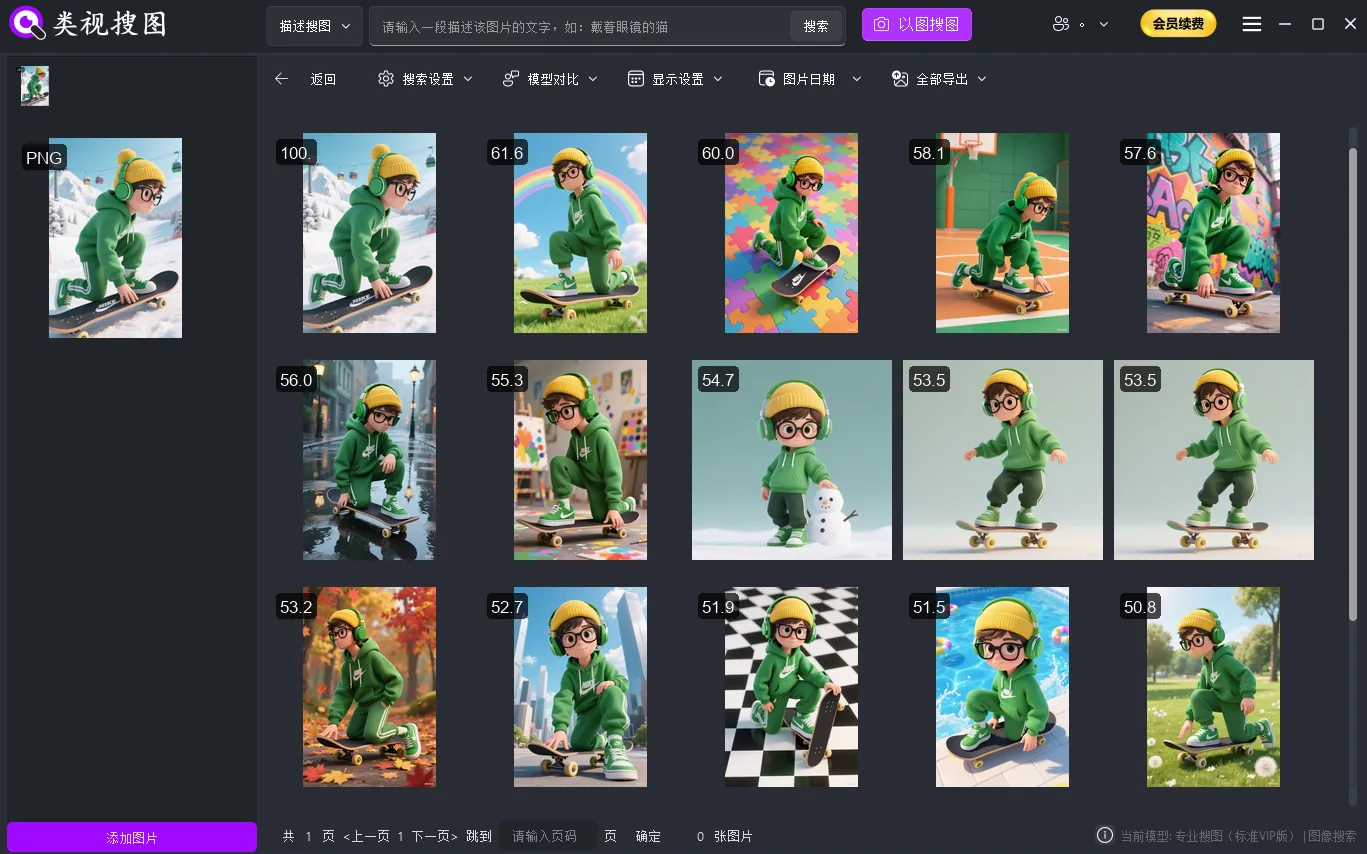 Caption: Permission domains keep visual results visible only to authorized teams.
Start with a minimum viable scope. It is better to run one stable production lane than to launch a noisy full-scale rollout.
Phased implementation: validate first, expand second
Step 1: pick initial indexed folders
Start with two or three high-impact repositories, such as hero product images, campaign creatives, or approved media kits. Small clean scopes help you verify precision and usability quickly.
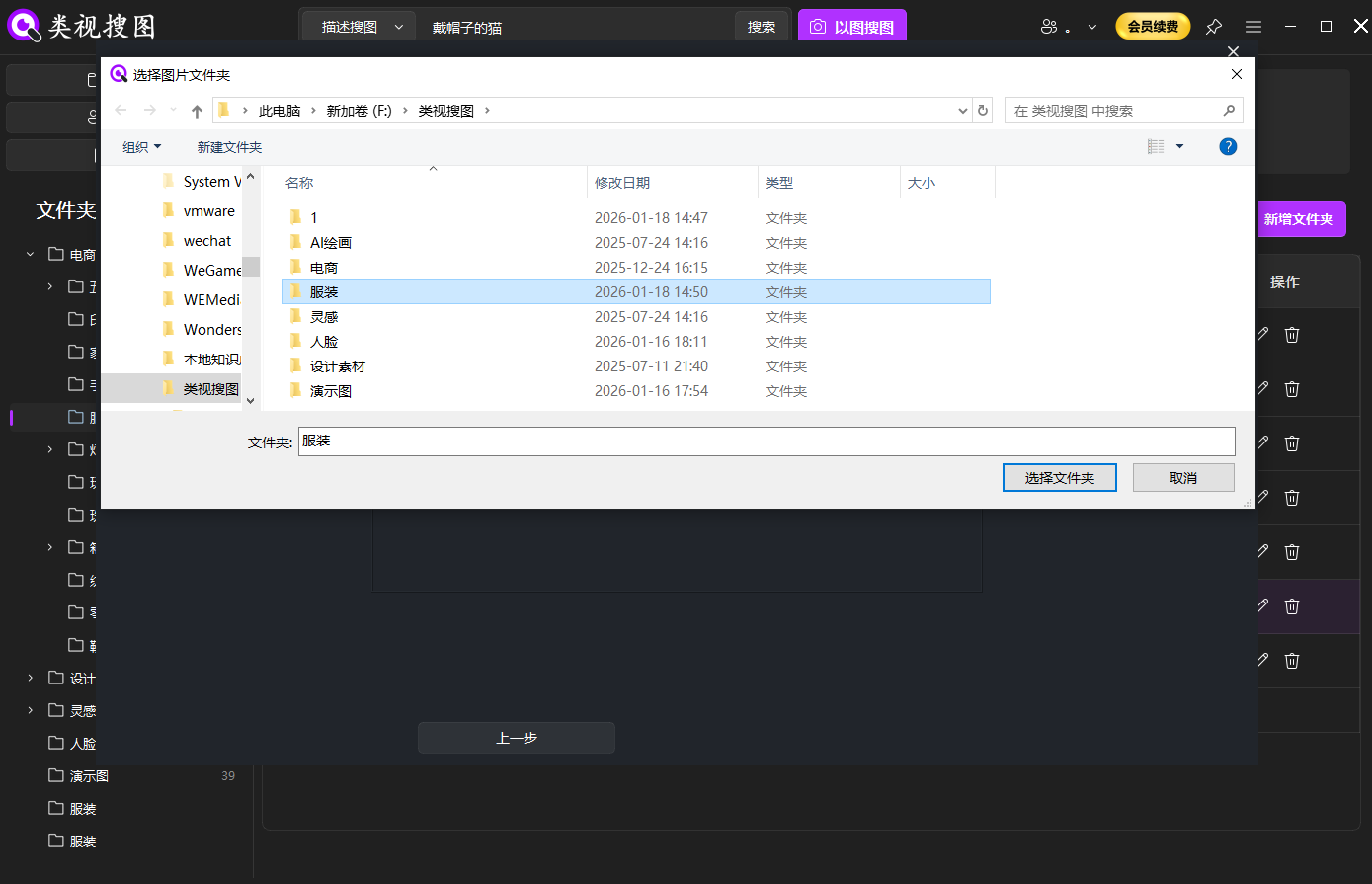 Caption: A focused initial scope reduces noise and accelerates validation.
Step 2: unify retrieval inputs
Standardize input actions (upload, drag-and-drop, paste) across teams. A unified input model is essential for reusable playbooks and consistent outcomes.
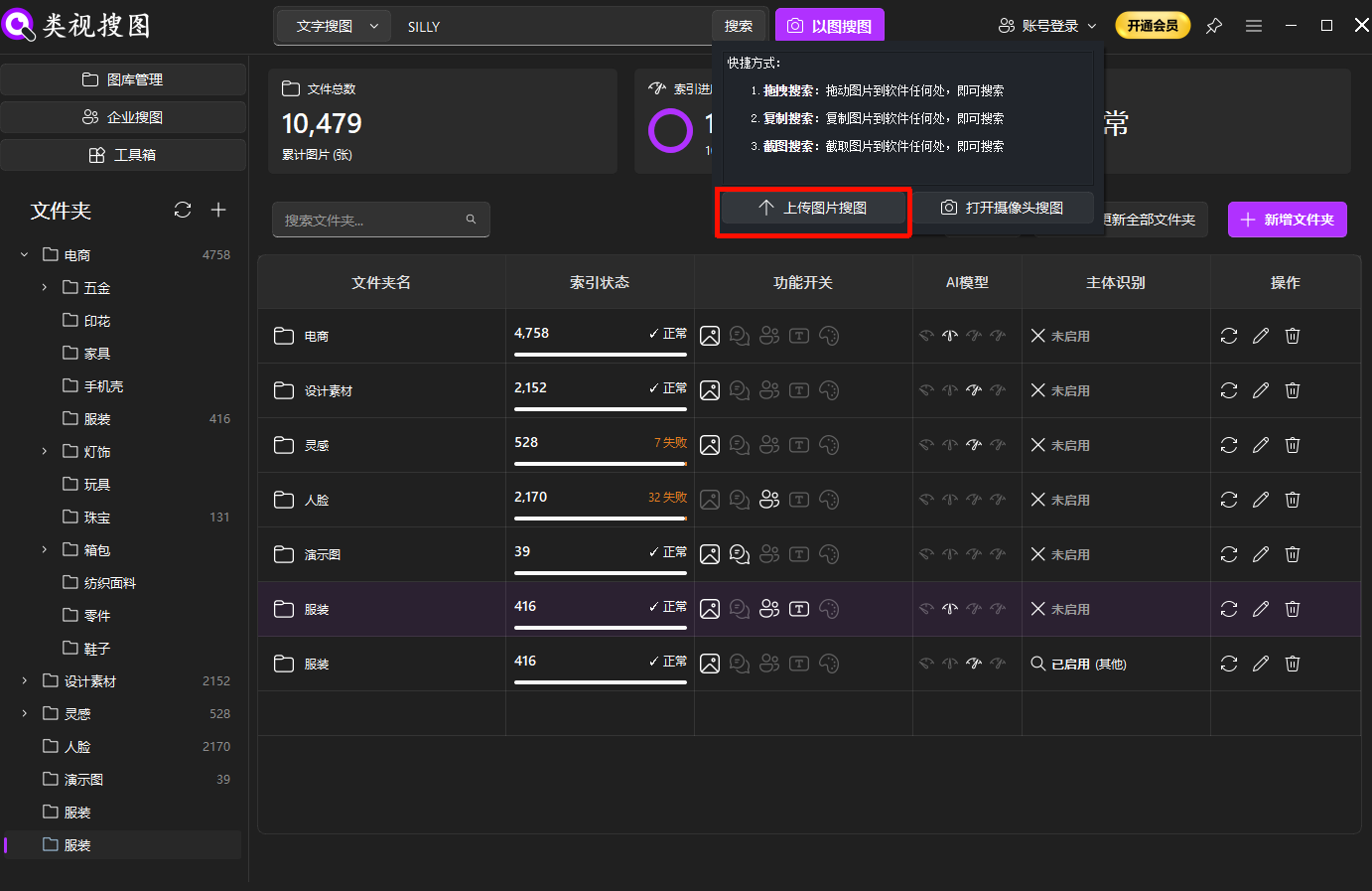 Caption: Unified input paths make search behavior measurable and easier to optimize.
Step 3: enforce a result refinement routine
Use a fixed sequence in the result page:
- Adjust similarity threshold
- Apply folder/domain filters
- Open source path for downstream actions
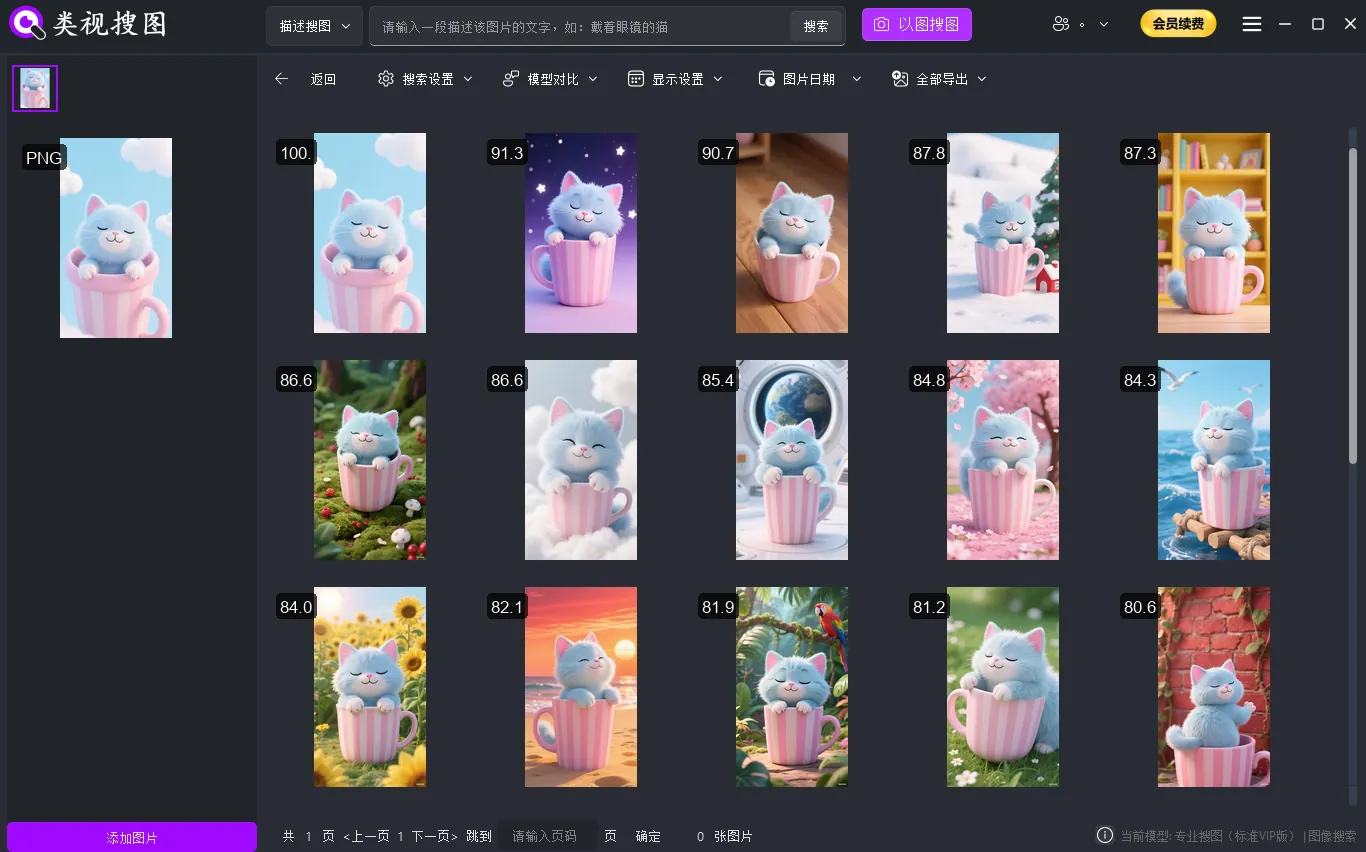 Caption: Refinement discipline turns ?similar results? into ?usable assets?.
Governance checklist: access, audit, and operations
To keep private image search stable over time, enforce these controls:
- Access governance: role-based visibility by department and data domain
- Audit governance: event logs for search, preview, and export actions
- Operations governance: fixed index refresh and exception handling schedules
Run a monthly review with operational metrics such as search success rate, average time-to-asset, and duplicate ratio. Improve indexing scope and rule quality based on these metrics.
Related internal resources
Final recommendation
Roll out private image search with a 3-stage cadence: one-week validation, one-month standardization, one-quarter expansion. This balances security, compliance, and search efficiency while building a retrieval capability that survives team growth.